DIRECT THE WORK
Make responsibilities, deadlines and approvals clear. Give every task an owner and every team a plan.
A KEY HOLDING PLATFORM
VETRA COMMAND BRINGS TEAMS, COMPANIES, PROJECTS, DOCUMENTS, AND OPERATIONAL ACTIVITIES INTO ONE COORDINATED WORKSPACE

01 / VETRA COMMAND
DESIGNED FOR COMPLEX, MULTI-COMPANY OPERATIONS IN OIL AND GAS, MARITIME SHIPPING, LOGISTICS, AND PORTS, THE PLATFORM HELPS ORGANIZATIONS MANAGE RESPONSIBILITIES, MONITOR PROGRESS, ORGANIZE DUE DILIGENCE, CONTROL ACCESS TO INFORMATION, AND MAINTAIN VISIBILITY ACROSS PROJECTS AND LOCATIONS

Make responsibilities, deadlines and approvals clear. Give every task an owner and every team a plan.
Keep files, versions and decisions connected, with access scoped to the people who need them.
Bring missing evidence, overdue actions and pending decisions into management’s field of view.
02 / CORE PLATFORM CAPABILITIES
PROJECT MANAGEMENT, COLLABORATION, DUE DILIGENCE, DOCUMENT CONTROL, FINANCIAL OVERSIGHT, AND OPERATIONAL VISIBILITY IN ONE WORKSPACE SELECT A MODULE TO EXPLORE
REVIEW PROJECT PROGRESS, ASSIGNED TEAMS, OUTSTANDING EVIDENCE, AND DECISIONS IN ONE PERMISSION-SCOPED WORKSPACE
 VETRAILLUSTRATIVE WORKSPACE
03 / INDUSTRY INTELLIGENCE
ONE OPERATING MODEL, SHAPED FOR THE REALITIES OF ENERGY ASSETS, VESSEL MOVEMENTS, CARGO AND CRITICAL INFRASTRUCTURE
ENERGY & OIL OPERATIONS
CONNECT COMMERCIAL, TECHNICAL AND TRANSACTION WORK AROUND REFINERIES, STORAGE FACILITIES, ENERGY INFRASTRUCTURE AND COMMODITY TRANSACTIONS
04 / VESSEL TO BERTH
KEEP VESSELS, VOYAGES, CARGO, AND PORT-CALL ACTIVITIES CONNECTED TO THEIR PROJECTS, RESPONSIBLE TEAMS, AND SUPPORTING RECORDS
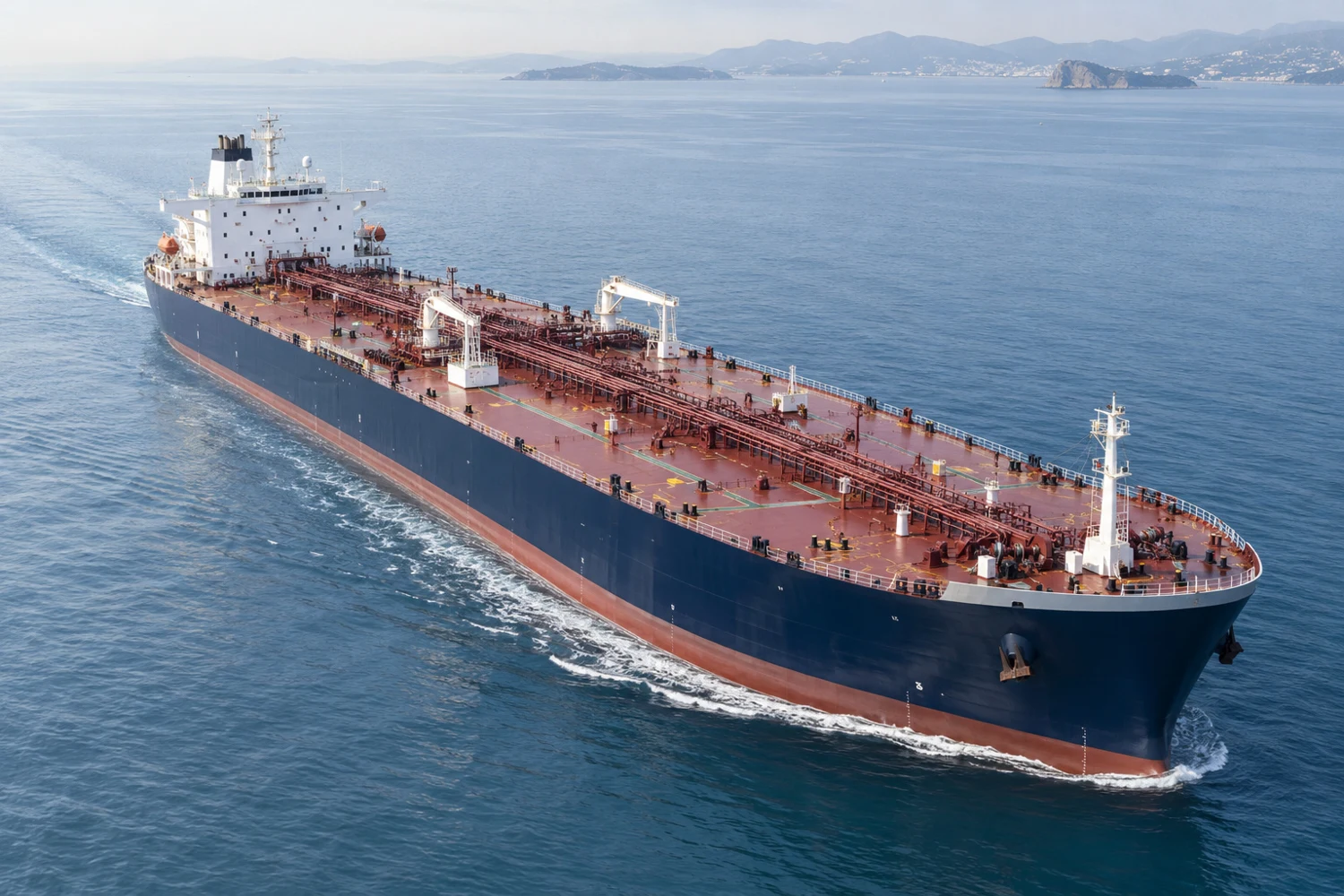
BERTH AND TEAM READINESS
CARGO LOADED TO THE VESSEL
CARGO TRANSFERRED ASHORE
WORKFLOW PREVIEW · LOADING OR DISCHARGING AS APPLICABLE
Link vessel identity, voyage and shipment details, cargo, origin and destination ports, terminals, berths, and arrival or departure times to the relevant operation.
The maritime workflow design brings Alongside, Loading, and Discharging into a consistent operational sequence, with authorized status changes, clear responsibilities, and retained transition history.
A consistent operational record helps authorized teams coordinate handovers and understand the next action.
05 / LOCATION WITH CONTEXT
CONNECT VESSEL, TRUCK, AND OTHER SUPPORTED ASSET LOCATIONS TO THE RELEVANT SHIPMENT, PROJECT, COMPANY, OR OPERATION
Record authorized location observations with their source and observation time. Manually entered positions remain clearly distinguishable from information received from a tracking provider.
The tracking design connects authorized vessel AIS and truck GPS observations to the relevant asset, shipment, project, company, or operation. Source and observation time give each position its context.
See where an asset was reported and where that information came from before acting on it.
AUTHORIZED AIS PROVIDER
AUTHORIZED GPS PROVIDER
ENTERED BY AN AUTHORIZED USER
MANUAL POSITIONS ARE NOT LIVE PROVIDER DATA
06 / EVERY OPERATION HAS A PLACE
ORGANIZE WORK AROUND A CONSISTENT LOCATION RECORD, FROM A COUNTRY AND CITY TO THE EXACT FACILITY, PORT, TERMINAL, OR WAREHOUSE
Location records include country, city, state or province, facility, physical address, local time zone, and GPS coordinates where applicable. Link origin and destination locations and find permitted records by location, company, project, facility, port, or region.
The project and task location standard is built around mandatory country and city fields. Additional detail identifies the facility, port, terminal, warehouse, address, time zone, and coordinates where relevant.
Find work by place and responsibility, with clear origin and destination context across shipping and logistics.
ILLUSTRATIVE LOCATION STANDARD FOR PROJECTS AND TASKS
07 / PLAN WITH FINANCIAL CLARITY
CONNECT PROJECT BUDGETS, SPENDING, COMMITMENTS, AND FINANCIAL HISTORY TO THE PEOPLE AUTHORIZED TO OVERSEE THEM
Track core planned amounts, actual spending, unpaid commitments, and available balance with currency-specific precision. Retained budget revisions support financial review and accountability.
The expanded planning model organizes budgets by fiscal year and separates contingency allowances from core budget amounts, making planned expenditure and financial reserves easy to distinguish.
Separate planned expenditure from financial reserves and preserve the history behind every budget change.
FY 2027 / USD
PLANNED PROJECT EXPENDITURE
SEPARATE FINANCIAL RESERVE
ILLUSTRATIVE AMOUNTS · NOT LIVE FINANCIAL DATA
08 / CONNECTED SYSTEMS WITH CLEAR SCOPE
A CENTRALIZED INTEGRATION WORKSPACE DESIGNED TO BRING EXTERNAL CONNECTIONS, CREDENTIALS, AND PERMISSIONS UNDER CLEAR ADMINISTRATIVE CONTROL
| CONNECTION | INTENDED SCOPE |
|---|---|
| VESSEL AIS | Provider observations into Command |
| TRUCK GPS | Provider observations into Command |
| RECORD API | Read-only record access |
| RECORD CREATE / UPDATE | Write access to operational records |
The access model separates provider observations, record reading, and explicitly authorized record changes.
A centralized interface designed for authorized administrators to organize API connections, credentials, company and project permissions, expiration dates, and activity logs.
The API access model separates permission to read records from permission to change them. Read-only connections are designed to expose only records within the authorized company and project scope.
The write-access design calls for separate authorization for supported create and update actions. Recording a connection does not itself grant record changes or two-way synchronization.
Keep connection ownership, permissions, and credential lifecycle visible before expanding access to operational records.
09 / KNOW WHERE YOUR ACCOUNT IS USED
SUPPORT ACCOUNT ACCESS ACROSS OFFICE COMPUTERS, MOBILE DEVICES, AND SHARED OPERATIONAL ENVIRONMENTS
Authorized Super Admins can review active account sessions and terminate account sessions. Suspension and access expiry are checked when requests reach the platform.
The personal session view is designed to bring logged-in devices, browser information, IP addresses, and recent activity together, with an individual-session disconnect control for office, mobile, and shared environments.
Help people recognize account activity and close an individual session when a device should no longer have access.
BROWSER · IP ADDRESS · RECENT ACTIVITY
BROWSER · IP ADDRESS · RECENT ACTIVITY
CAPABILITY PREVIEW · NOT AN ACTIVE ACCOUNT VIEW
10 / ACCESS FOLLOWS RESPONSIBILITY
KEEP SENSITIVE INFORMATION WITHIN THE COMPANY, PROJECT, AND RESOURCE PERMISSIONS ASSIGNED TO EACH AUTHORIZED PARTICIPANT
Company, project, folder, task, and document permissions control access. Financial access is separately restricted. Document download checks apply at the server as well as in the interface.
MFA enrollment and login verification form part of the account-security design, adding identity verification to the platform access model.
The protected-viewing design combines sensitive document access with watermarks and download restrictions, keeping the permitted viewing experience distinct from access to the original file.
Uploaded documents follow a controlled clearance process. A verified clean scan is required before a file can be previewed, downloaded, or approved.
Make collaboration possible while limiting access to the information each person is authorized to use.
11 / RELEVANT UPDATES TO THE RIGHT PEOPLE
KEEP PROJECT COMMUNICATION CONNECTED TO MEMBERSHIP, RESPONSIBILITY, AND CURRENT ACCESS PERMISSIONS
Project announcements, task completion notices, and supported deadline updates reach the appropriate authorized audiences. Current access is rechecked when notices are read or delivered.
The expanded notification design covers relevant updates, submissions, status changes, and completion events, with recipients determined by project membership, responsibility, and access.
Email communication is designed to direct the right recipients to authenticated information while keeping restricted project details behind platform access controls.
Give authorized participants useful updates without revealing restricted project details to other users.
12 / TURN ACTIVITY INTO A USEFUL RECORD
BRING PROJECT PROGRESS, OUTSTANDING TASKS, OPERATIONAL ACTIVITY, AND OTHER SUPPORTED REPORTING AREAS INTO A CONSISTENT REPORTING RHYTHM
Generate permission-scoped reports and download Excel or CSV files, or use printable reports with browser Save as PDF. Current permissions and records are rechecked for each export.
The recurring reporting design brings together a schedule, an actual report file, and delivery to authorized recipients. It covers project progress, outstanding work, and supported operational reporting areas.
Reduce repeated preparation while keeping report content and delivery within authorized access.
13 / ACCOUNTABILITY THROUGH CONTROL
BRING COMPANIES, TEAMS, ACCESS PERMISSIONS, AND RECORD RETENTION UNDER A CLEAR ADMINISTRATIVE STRUCTURE
Protect accountability and preserve the operational history behind changes and removal requests.
Super Admins oversee companies, memberships, teams, and permissions. Covered operational record archives require Super Admin approval and retain their history.
The expanded governance model extends approval-led removal to users, accounts, and other records covered by the removal policy, protecting accountability and preserving operational history.
14 / A CLEAR RECORD OF PLATFORM CHANGE
BRING PLATFORM VERSIONS, CHANGE NOTES, TEST OUTCOMES, AND RELEASE RECORDS INTO A DEDICATED MANAGEMENT DASHBOARD
Help administrators understand what changed, how it was tested, and the outcome recorded for each release.
A dedicated dashboard designed to bring platform versions, change notes, testing outcomes, and release records into one management view.
The release design distinguishes recording a version from deploying software, connecting release decisions to actual deployment results and a traceable outcome.
15 / CONNECTED BEYOND THE DESK
AN APP-LIKE EXPERIENCE DESIGNED FOR FIELD TEAMS AND PEOPLE WHO NEED ACCESS WHILE MOVING BETWEEN OPERATIONAL LOCATIONS
A home-screen experience designed to give field teams convenient access to supported platform functions, with the same account and project permissions used at the desk.
An app-like mobile design focused on supported project information, responsibilities, documents, and operational context while teams move between locations.
Keep supported project functions close at hand while maintaining the same account permissions.

PROJECT CONTEXT FOR TEAMS WORKING BEYOND THE DESK
16 / PLATFORM OVERVIEW AND DOWNLOADS
EXPLORE THE OPERATING MODEL AND EXPANDED CAPABILITIES IN THE LATEST VETRA COMMAND MATERIALS
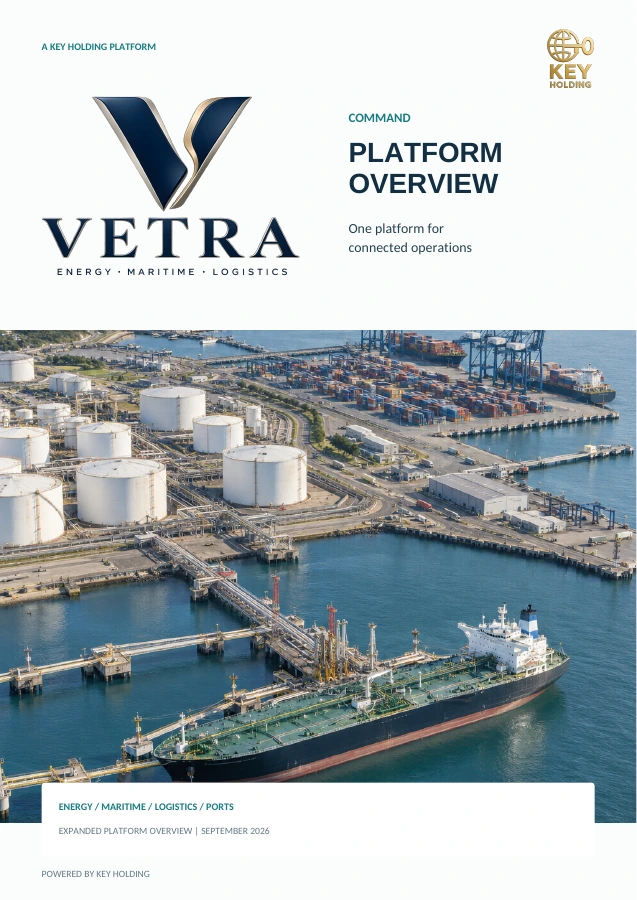
THE COMPLETE GUIDE TO VETRA COMMAND AND ITS EXPANDED OPERATIONAL FEATURES
DOWNLOAD PDF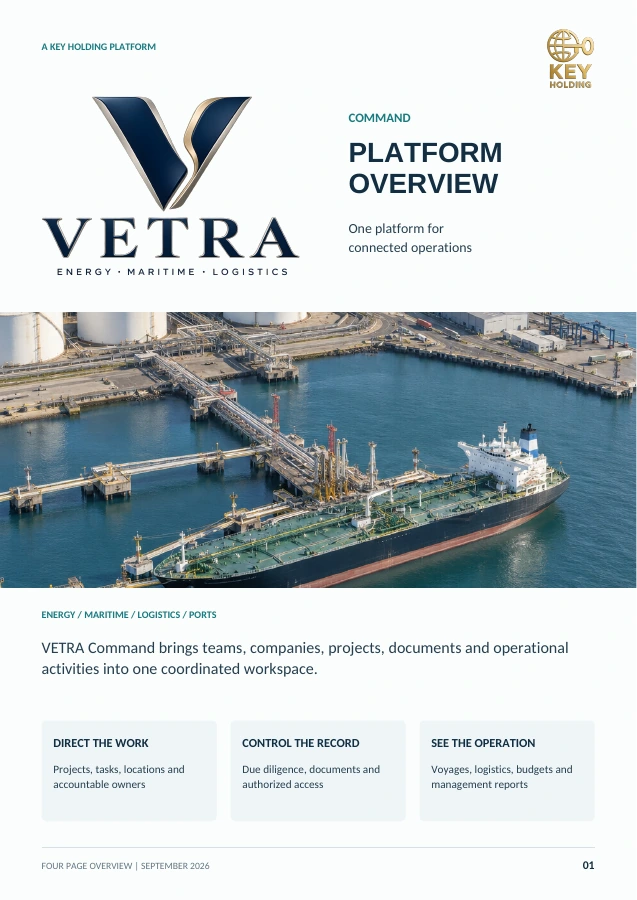
A CONCISE INTRODUCTION TO THE PLATFORM, KEY FEATURES, AND BUSINESS BENEFITS
DOWNLOAD PDFSIGN IN WITH THE ACCOUNT AUTHORIZED FOR YOUR COMPANY AND PROJECTS